Articles
Loading articles...
Loading articles...
Technical thoughts, tutorials, and insights
Kotlin’s polymorphism allows objects of different classes to be treated through a common base type (sealed classes, interfaces, or abstract classes). When serializing to formats like JSON, we need a way to record and restore the actual subtype of each object. The kotlinx.serialization library provides tools to handle polymorphic JSON: a special class discriminator field in the JSON, annotations like @SerialName, and runtime registration of subclasses. By combining these, you can encode a common base class (or interface) and correctly decode the appropriate subtype.
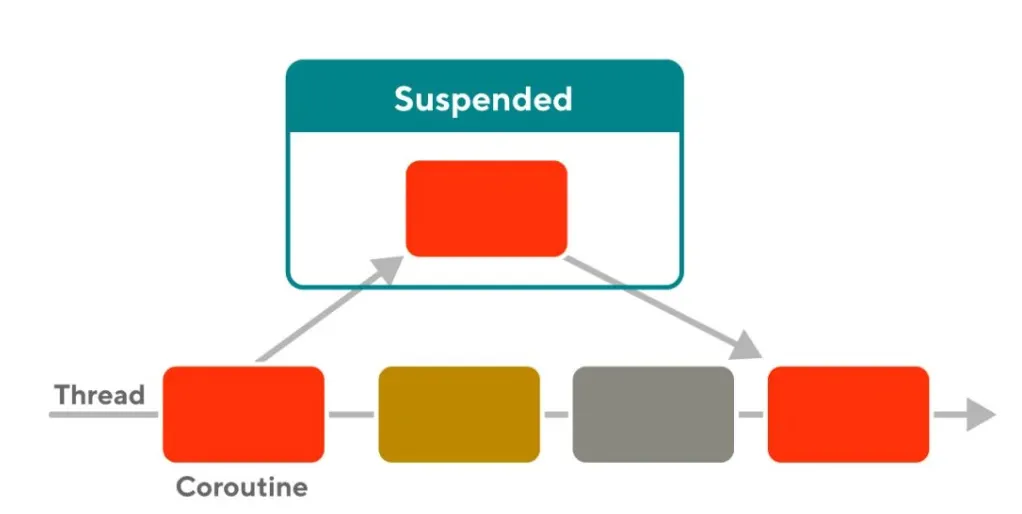
Kotlin’s coroutines provide a powerful framework for writing asynchronous code in a sequential style. At the heart of this framework are suspending functions — functions marked with the suspend keyword that can pause and resume without blocking the underlying thread. This means you can write code that looks synchronous, yet under the hood it yields control (freeing the CPU) during long-running operations like network calls or delays. In practical terms, a suspend fun is like a bookmark in a story: the function can leave off at one point (let other work run), then later resume exactly where it left off, preserving its state.

Kotlin Coroutines: Lightweight Concurrency for Modern Android
In Kotlin, delegation is a design technique where one object hands off (“delegates”) tasks or behavior to another, avoiding rigid inheritance structures. The Kotlin language provides built-in support for delegation via the by keyword.

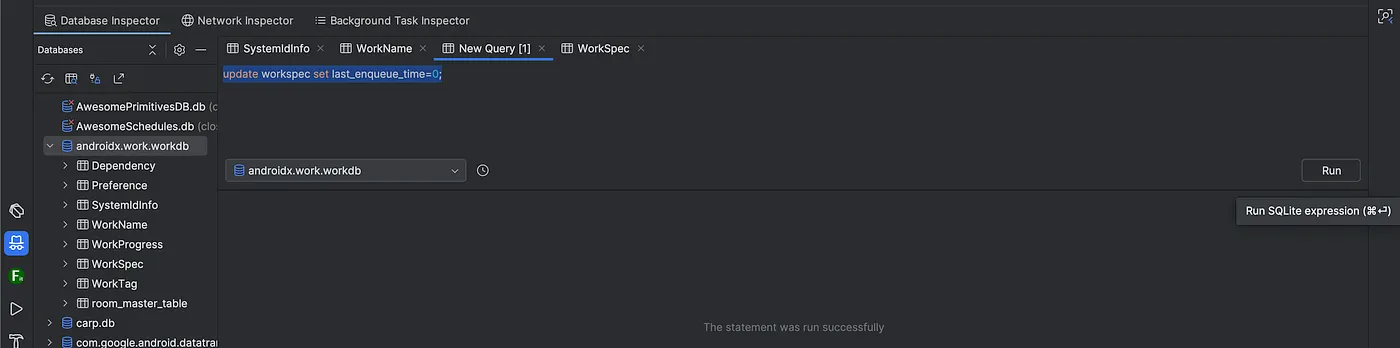
A practical guide to efficiently testing WorkManager tasks during development using App Inspection and ADB commands If you’re an Android developer who has worked with WorkManager, you’ve probably experienced this frustrating scenario: you implement a periodic task, run your app, and then… wait. And wait. And wait some more. The minimum execution interval for WorkManager is 15 minutes, which means testing your background tasks becomes a painfully slow process during development.

A callback is essentially a function passed into another function to be invoked later, typically when an asynchronous task completes or an event occurs. In Kotlin (as in many languages), callbacks enable non-blocking, event-driven code. For example, instead of waiting synchronously for a network request or a long computation (which on Android can freeze the UI and even trigger an ANR, App Not Responding, error), we register a callback that will be called when the work is done. The receiving function “calls back” into the caller’s code at the right time. This pattern is fundamental in asynchronous programming — callbacks act as the basic primitive for chaining operations without blocking.

In modern Android development, dependency injection (DI) is a key technique to build modular, testable, and maintainable apps. In DI, a class does not create its own dependencies; instead, dependencies are provided (injected) from the outside. In other words, the class receives the objects it needs rather than constructing them itself. This “inversion of control” makes your code loosely coupled and easier to refactor. For example, a UserRepository can be injected into a ViewModel rather than the ViewModel building the repository, so you can swap implementations or mock it during tests. In Android, doing all this by hand is tedious – you would have to manually construct every object and manage its lifecycle.

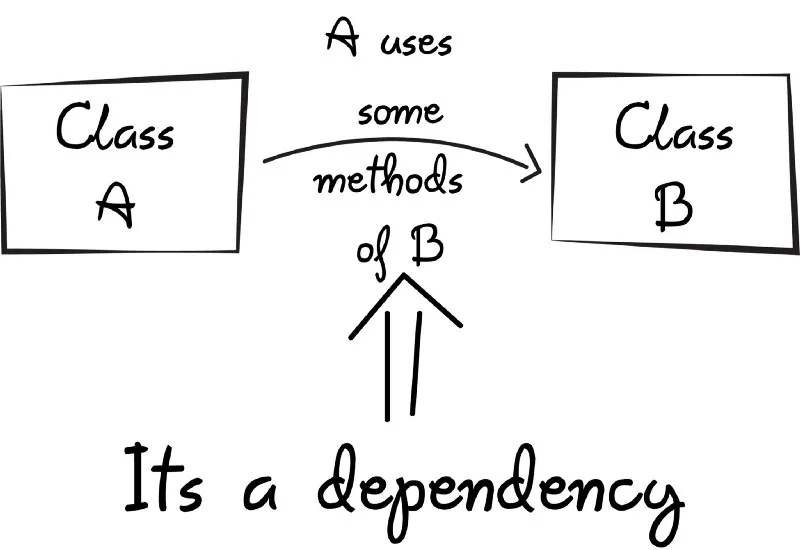
Managing dependencies is a critical part of software development, especially when working with modular projects. In this article, we’ll explore how to publish Kotlin libraries locally using Maven and Gradle, and tackle dependency version conflicts with practical examples. Let’s dive in!

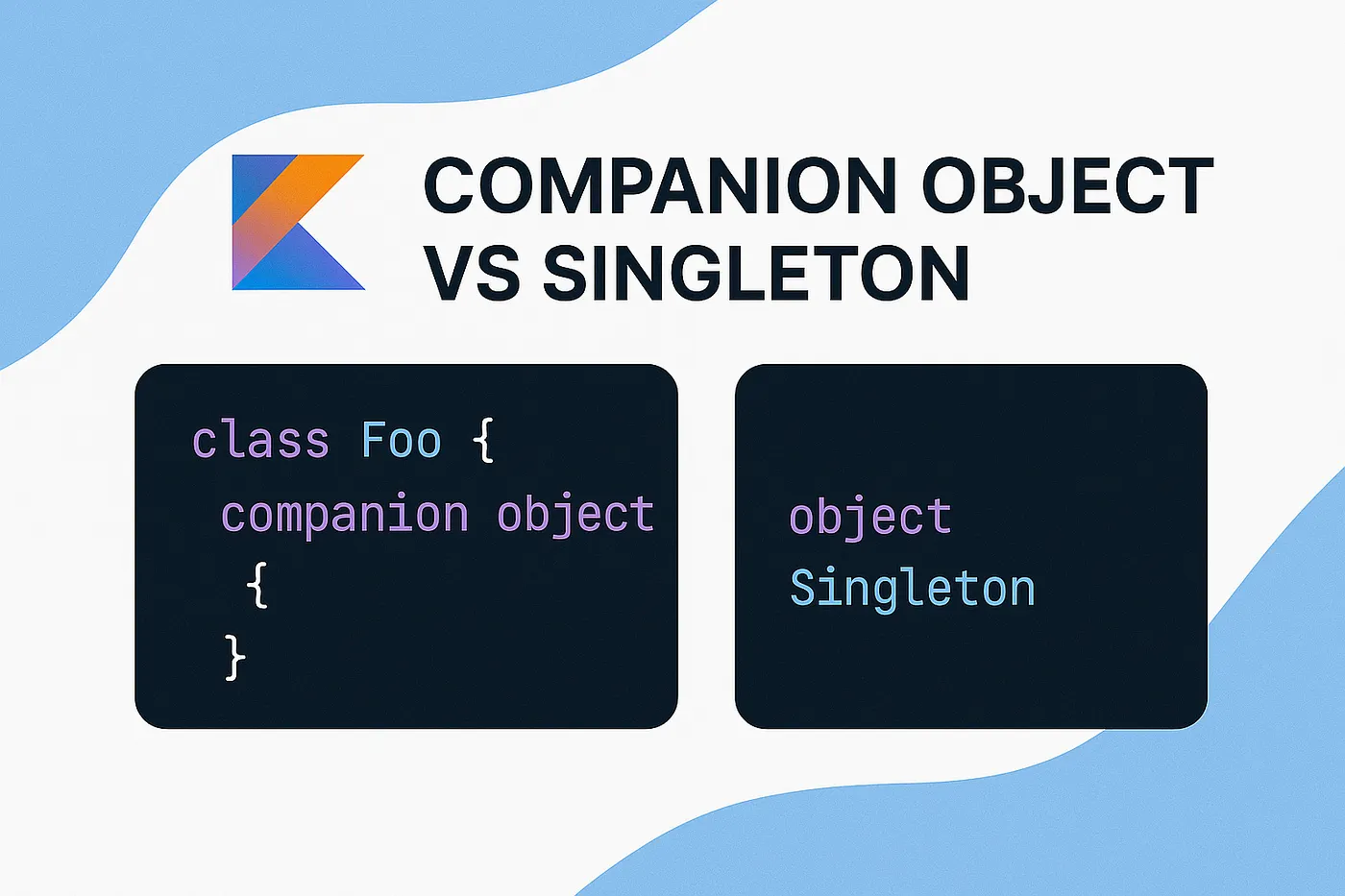
Kotlin is packed with features that make coding cleaner and more intuitive. Two concepts that often spark confusion — even among seasoned developers — are companion objects and singletons. Let’s demystify them with a fresh perspective, zero jargon, and a quirky example you won’t find anywhere else.

**Why Do Permissions Matter for Background Tasks?**
We’ve all been there. You open your Android project’s strings.xml file, ready to add a new string resource, only to find yourself scrolling through hundreds of unrelated entries: login screen labels, error messages, homepage buttons, and random tooltips all jammed into one file. It’s like trying to find a needle in a haystack.

Staring at the “Emulator Process for AVD Has Terminated” error? You’re not alone. Let’s troubleshoot this headache together.

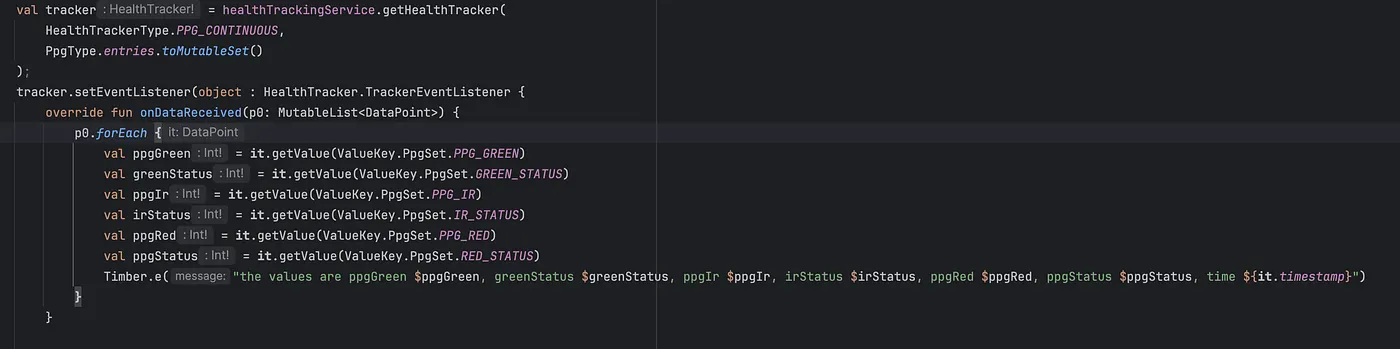
As wearable technology advances, choosing the right smartwatch for health monitoring is crucial. Samsung Galaxy Watches and Google Pixel Watches offer distinct advantages, especially for developers leveraging their respective SDKs. This article explores their differences, particularly in sensor capabilities, SDK support, and health-tracking functionalities.